

Okay y’all… weather alerts on my phone literally saved my ass last spring and I’m still kind of embarrassed I almost slept through a legit tornado warning because I was too lazy to turn them on properly.
I live in an apartment in the Midwest right now (well, as of January 2026 I guess I’m saying “right now” even though it’s winter and everything is just gray and sad outside my window). Last April I woke up to my neighbor banging on the door screaming “basement NOW” while my phone was dead silent on the nightstand. Turns out there was a tornado on the ground like 8 miles away and I had zero notifications because — plot twist — I never actually finished setting up weather alerts on my phone. Rookie move. Huge L.
So yeah… if you also want weather alerts on your phone that actually wake you up screaming when the sky is trying to murder you, here’s how I eventually got mine working.
For the actual alert side — the thing that should have screamed at you last spring:
Why Bother Setting Up Weather Alerts on Phone Anyway?
I used to think “ehh the TV will tell me” or “I’ll just check the radar app sometimes.” Wrong. Dead wrong. When you’re asleep at 4:17 a.m. and a wall cloud is literally spinning up two counties over, the only thing that’s gonna save your sleepy butt is a piercing phone scream. Trust.
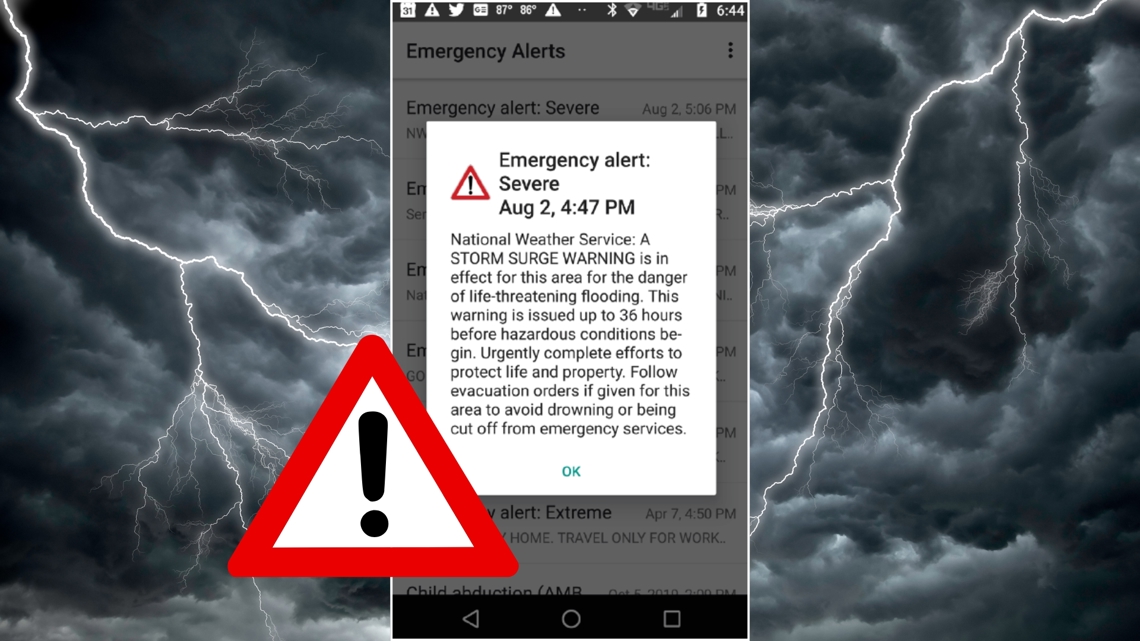
Also side note: my anxiety is already bad enough without wondering if I’m about to get yeeted into Oz. Getting those weather alerts on phone properly configured actually made me chill out a tiny bit. Shocking, I know.

iPhone – How I Set Up Weather Alerts (the iOS Way)
Apple makes it annoyingly easy once you find the right menus. Here’s what finally worked for me:
- Open the Weather app (the blue one with the little cloud)
- Tap your location at the top (or add your city if it’s not there yet)
- Scroll alllll the way down and tap “Notifications”
- Turn on Allow Notifications obviously
- Then enable Severe Weather, Precipitation, and High/Low Temperature if you care about that
- Go deeper: Settings → Notifications → Weather → make sure Critical Alerts is ON (this lets it bypass Do Not Disturb and silent mode — huge)

Pro tip I learned the hard way: if your phone is on Focus mode (Sleep, Work, Driving, whatever), go into Settings → Focus → [your focus mode] → Apps → allow Weather through. Otherwise it’ll just silently drop the alert like a coward.
Official Apple support page that helped me stop raging: https://support.apple.com/en-us/HT212733
Android – How to Get Severe Weather Alerts Working
Android is messier because every brand does it slightly differently, but the core path is similar.
- Samsung / Google Pixel / most newer Androids:
- Open Settings → Notifications → App notifications → find Weather or Google (or AccuWeather / The Weather Channel if you use third party)
- Allow notifications + enable alerts / severe weather
- Go into Google app → tap your profile → Google services → Weather & air quality → turn on emergency alerts
- Also turn on Wireless Emergency Alerts (this is the government one that does AMBER alerts and presidential messages too): Settings → Safety & emergency → Wireless emergency alerts → make sure everything is toggled on
I use a Pixel 8 right now and honestly the built-in Google weather alerts are pretty solid once you flip those switches. Helpful official guide: https://support.google.com/android/answer/9319337
Extra Apps I Actually Use for Better Weather Alerts on Phone
The stock ones are okay but sometimes late. These are the ones I have installed:
- Carrot Weather – sassy, customizable, does insane push notifications. Paid but worth every penny for me.
- MyRadar – love the live radar + push severe alerts. Free with ads.
- NOAA Weather Radar Live – very aggressive with the alerts. Sometimes too much, but better than missing one.
Quick Checklist So You Don’t Screw It Up Like I Did
- Enable Critical Alerts / emergency bypass on iPhone
- Allow Weather through every Focus mode
- Turn on Wireless Emergency Alerts on Android
- Actually test it – there are test alert systems in some counties (Google “weather alert test [your county]”)
- Keep your location services ON for weather (yes it drains battery a tiny bit, cry about it)
Anyway. Point is: set up weather alerts on your phone before the next derecho / supercell / polar vortex / whatever decides to ruin your week.

.)